How to Make a Marriage Biodata (Step-by-Step Guide)
Making a marriage biodata sounds easy until you actually sit down to write one. That is usually when the confusion starts. What should come first? Should you write full sentences or keep everything in points? How much family detail is enough? These are normal doubts, especially if this is the first time you are preparing a biodata for marriage discussions.
The truth is that most people do not need complicated advice. They need a simple process they can follow without overthinking every line. Once you break the work into steps, the task becomes much lighter. You collect the details, arrange them in the right order, write them clearly, and then check whether the final profile feels neat enough to share.
This guide walks through that process in a practical way. If you do not want to format everything manually at the end, you can also create your biodata online while following the same steps below.
Step 1: Collect all the details first
Before you start writing, gather everything in one place. This saves time later and stops you from breaking your flow every few minutes just to check one missing detail.
- Your personal details like name, age, height, city and mother tongue
- Education details and your current work information
- Family information such as parents and siblings
- A recent photo
- Contact preference for the biodata
This first step may feel basic, but it makes the rest of the process smoother. When the details are ready, the writing becomes much easier.
Step 2: Decide the order of sections
A good marriage biodata should feel easy to scan. Most people read it quickly, so the order matters. A practical structure usually looks like this:
- Basic personal details
- Education and profession
- Family background
- Lifestyle or personality details
- Photo and contact information
You do not need to experiment too much with the order unless your family has a specific preference. A clean and familiar structure works best because people already know how to read it.
Step 3: Write each section in simple language
The biggest writing mistake people make is trying to sound too formal. A marriage biodata should feel respectful, but it should not feel stiff. Use simple words and direct phrasing.
For example, instead of writing a long dramatic paragraph about yourself, keep it short and natural. A line like "family-oriented, calm by nature, and enjoys reading and travel" is enough to give a sense of personality without making the biodata sound forced.
If you are unsure, imagine a parent from the other family reading the page for the first time. They should be able to understand every section without effort.
Step 4: Keep the layout neat and readable
Even good content can look weak if the formatting is messy. The layout should make the biodata feel comfortable to read on both mobile and desktop.
- Leave space between sections
- Use short lines instead of long blocks
- Do not use too many fonts or colors
- Keep the photo clear and balanced with the text
Think of the layout as part of the first impression. The cleaner it looks, the more confidence it gives.
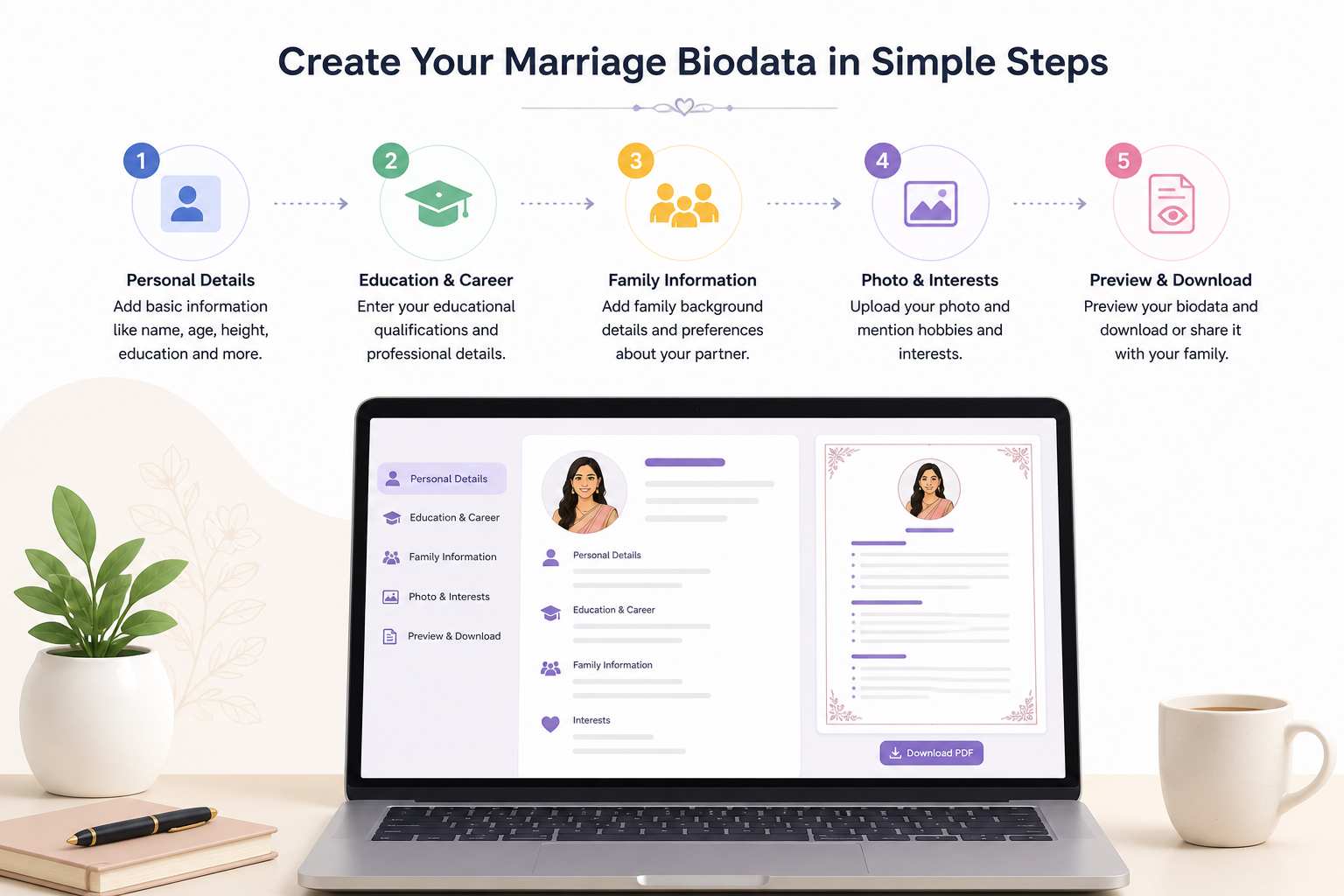
A simple step-by-step flow for creating a marriage biodata
Step 5: Check for missing or awkward details
Once the draft is ready, read it from the beginning as if you are someone seeing it for the first time. Ask yourself a few simple questions.
- Does it clearly say who the person is?
- Are the family details complete enough?
- Are job and education details current?
- Does any sentence feel too long or unnatural?
- Is there anything that might confuse the reader?
This review step matters because small mistakes can make the whole biodata feel careless, even when the main information is fine.
Helpful shortcut: If you want the layout and editing process to feel easier, create your biodata online and update each section step by step instead of managing everything manually in a document file.
Step 6: Make sure the final version is share-ready
Once the content looks good, the last step is making sure it is actually easy to share. In real life, biodata often gets forwarded on WhatsApp, sent as a PDF, or viewed quickly on a phone. So the final version should not only be correct, it should also be practical.
That means the text should remain readable on a smaller screen, the image should not look stretched, and the details should not feel crowded. A biodata that is hard to read on a phone loses impact very quickly because many people will see it there first.
Common mistakes people make
- Writing too much about themselves in one long paragraph
- Using very old photos
- Leaving the family section incomplete
- Adding too much visual decoration
- Sharing the biodata without checking spelling and dates
Most of these mistakes are easy to avoid once you treat the biodata like a clean introduction instead of a place to write everything at once.
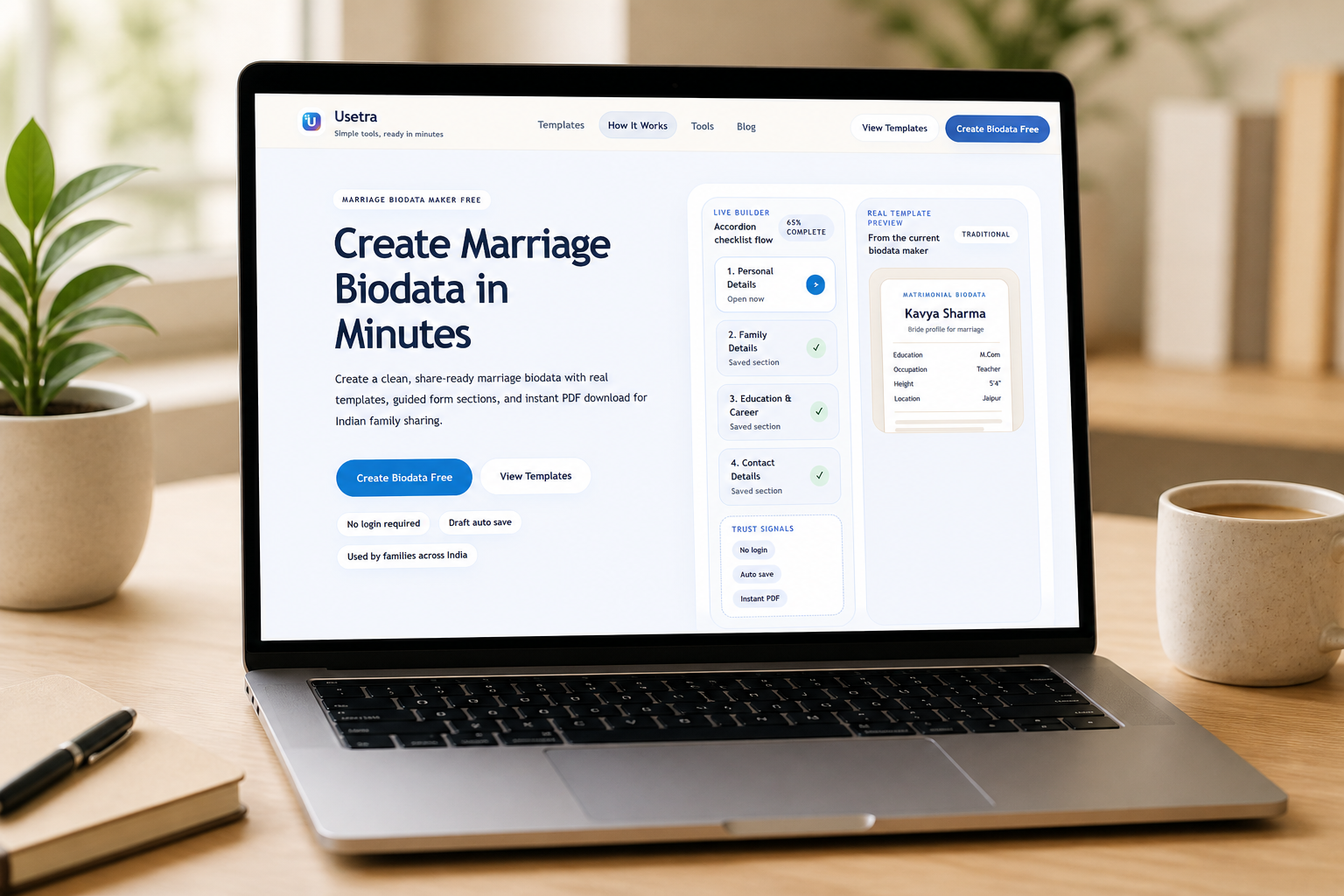
Creating a biodata online can make formatting and updates much easier
Frequently asked questions
What should I write first in a marriage biodata?
Start with basic personal details like your name, age, height, city and background. That gives the reader a quick overview right away.
Should the biodata be formal?
It should be respectful and clean, but not overly formal. Simple and natural language works best.
How do I make the biodata look neat?
Use a clean structure, keep paragraphs short, leave space between sections and avoid too many design elements.
Can I make it online instead of in Word?
Yes. You can create your biodata online if you want an easier writing and formatting process.
Conclusion
Making a marriage biodata becomes much simpler when you stop treating it like one big task and start treating it like a few clear steps. First collect the details, then arrange the sections, write simply, review carefully, and make sure the final version is easy to share.
If you follow that process, the biodata will already feel more polished than most rushed drafts. And if you want to save time on formatting while following the same structure, create your biodata online and build it step by step with a cleaner workflow.